Linktree-style Landing Page
Building a Linktree-style Landing Page with React, Tailwind CSS, and Netlify
Building a Linktree-style Landing Page with React, Tailwind CSS, and Netlify
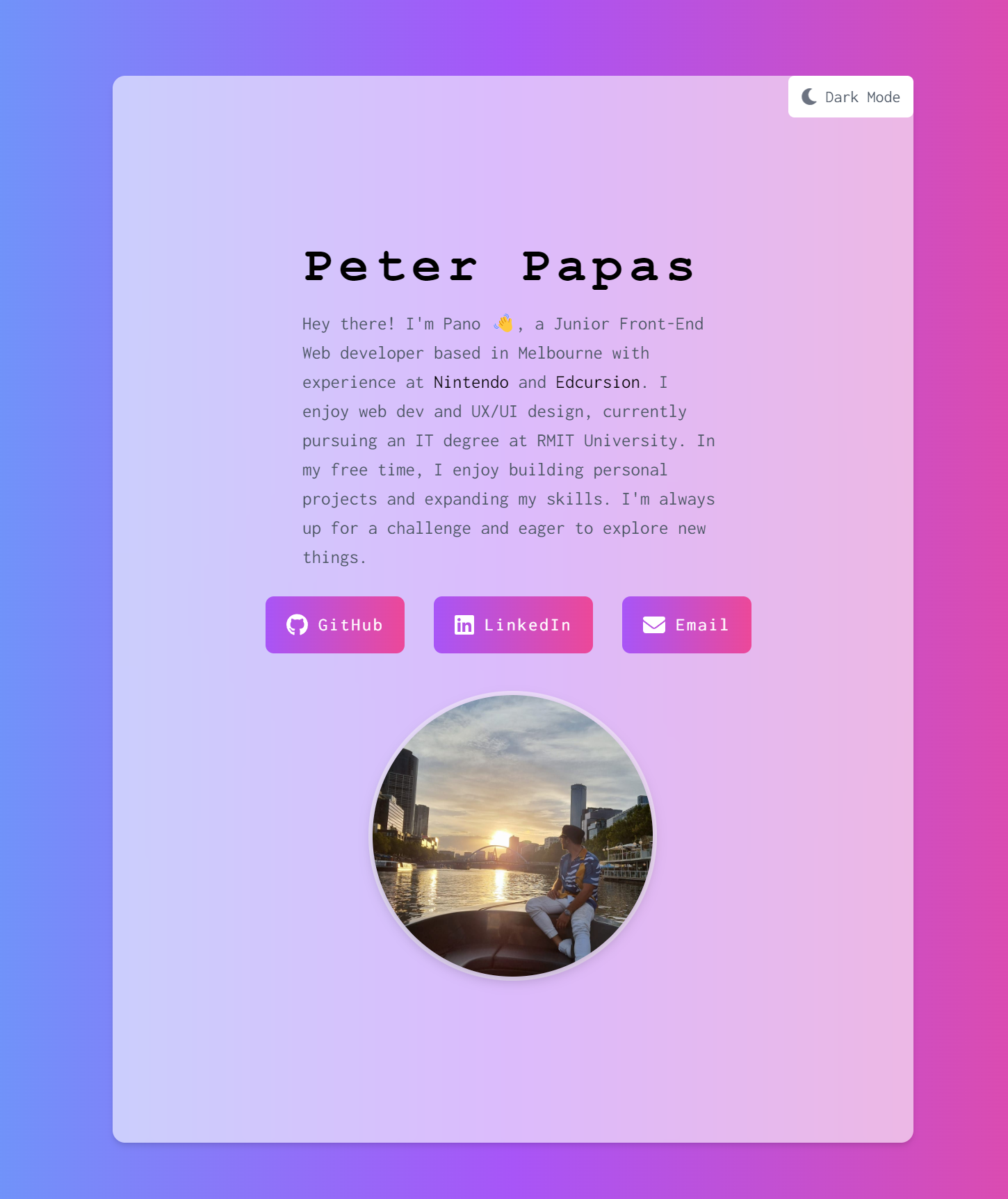
In this blog post, I'll be discussing my recent project, where I created a simple yet visually appealing landing page to showcase my other projects. The landing page serves as a one-stop hub for potential employers to explore my work. I built the project using React, Tailwind CSS, and deployed it on Netlify. By working on this beginner-friendly project, I gained valuable experience in front-end development skills.
Planning and Design:
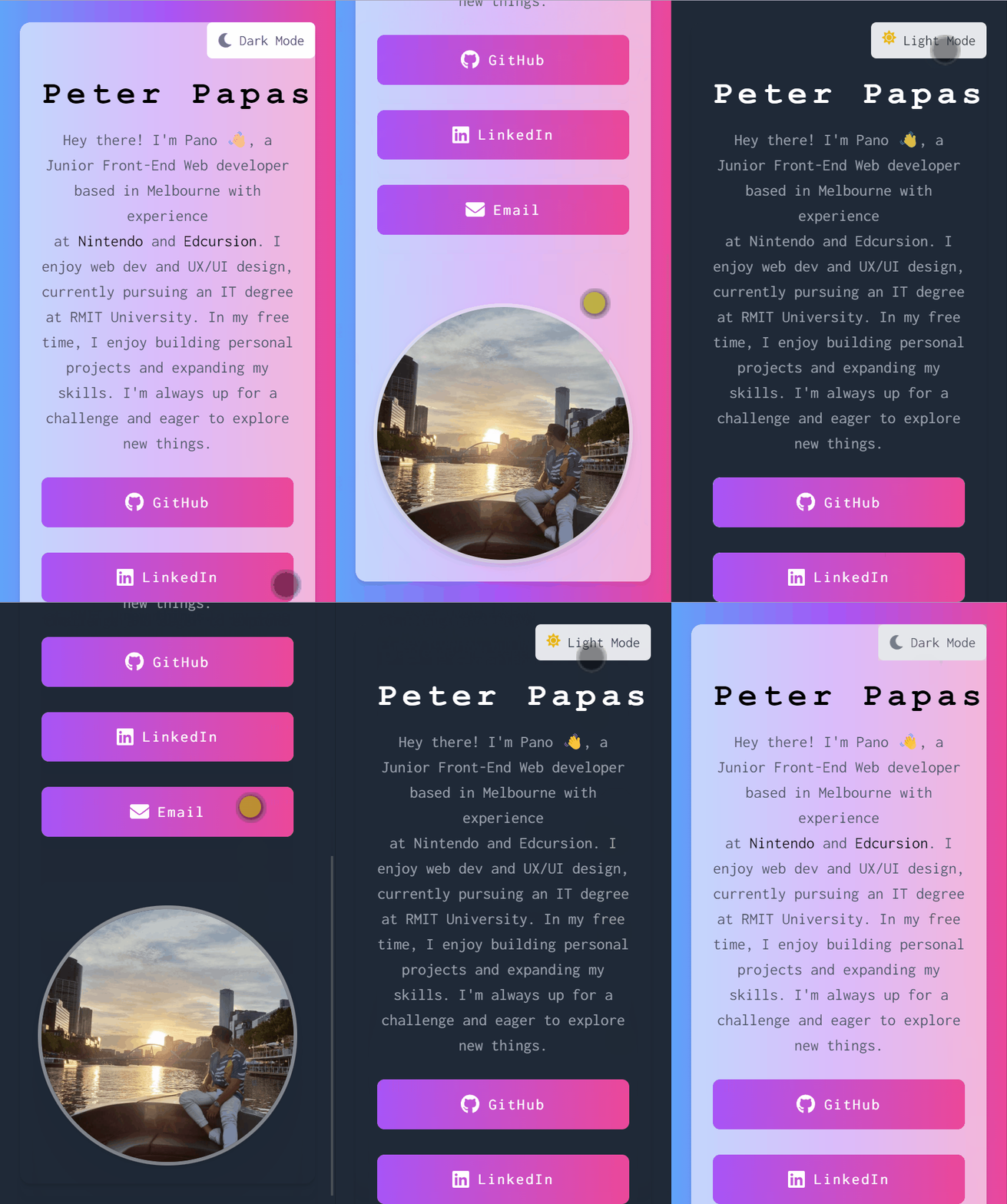
Before diving into the development, I spent time planning and designing the layout of the landing page. I aimed for a clean and responsive user interface, emphasizing ease of navigation and a visually pleasing experience. I sketched the layout on paper and then created a digital mockup using design software.
Development:
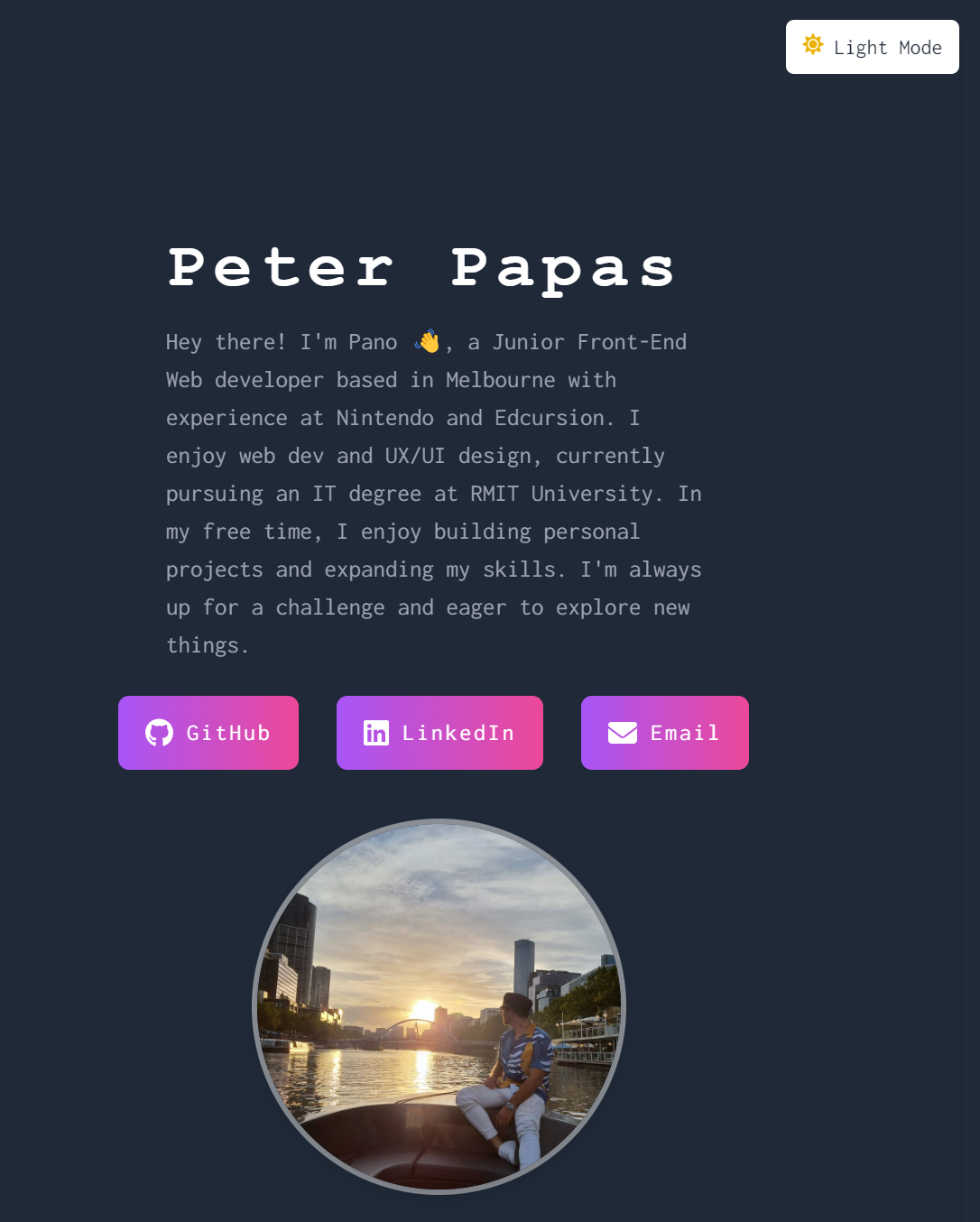
I began the development process by setting up a new React project and configuring Tailwind CSS. I then created the main App component and added the necessary useState hooks to manage the dark and light mode states. To make the page more engaging, I incorporated a button that toggles between dark and light modes, utilizing the FaSun and FaMoon icons from the React Icons library.
Next, I focused on the bio section, adding a headline with my name, a brief introduction about myself, and links to my GitHub, LinkedIn, and Email. I styled this section using the responsive utility classes provided by Tailwind CSS.
For the avatar section, I included a high-quality image of myself and styled it with a rounded border and a subtle drop shadow to create a polished look.
Light: Mode
Dark: Mode
Deployment:
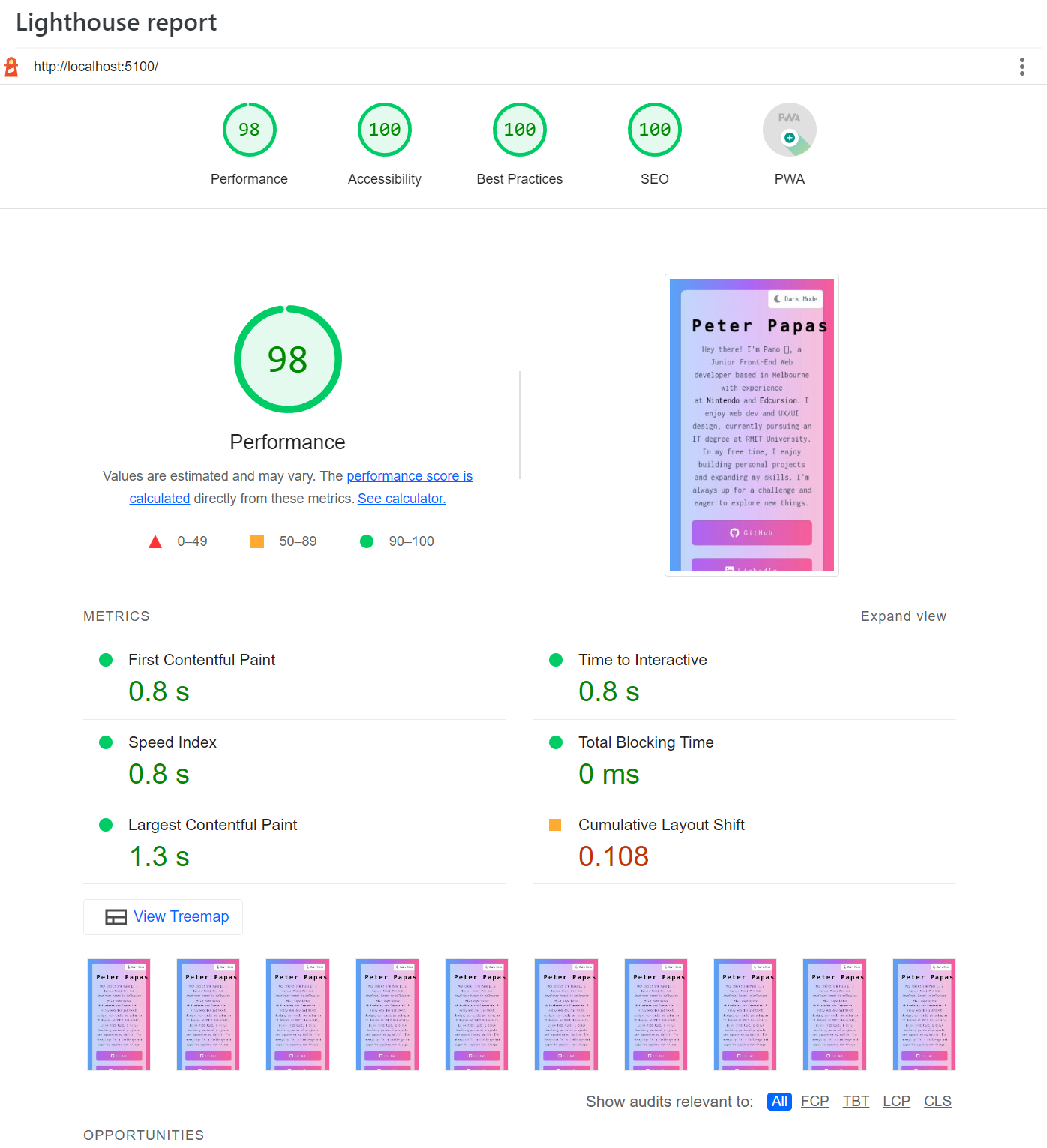
After completing the development and testing the landing page on various devices, I deployed the project to Netlify. Netlify is a powerful platform for hosting static sites and provides a fast, secure, and easily scalable solution.
Conclusion:
This project allowed me to practice front-end development skills and explore the capabilities of React, Tailwind CSS, and Netlify.
🔗 GitHub repository: https://github.com/peterpapas/personal_website
🔗 Live version: https://peterpapas.dev/
GitHub repository:
Live version: