URL Shortener with Go
Dive into My Go Project That Shortens URLs and Generates Funny Links

URL Shortener with Go
In this article, we will walk through building a custom URL shortener application using the Go programming language. The application will provide an interface for users to input long URLs, which will be transformed into shorter, more manageable URLs. These short URLs will redirect users to the original long URLs when visited.
The application will also feature some customization options for the generated short URLs, such as including specific prefixes, custom prefixes, and supporting multiple URLs. The following sections will explain the code structure and functionality.
Prerequisites:
A basic understanding of the Go programming language
Go installed on your local machine
Getting Started:
Create a new Go project directory and navigate into it.
Create a
main.gofile and paste the provided Go code into it.
Create an
index.htmlfile and paste the provided HTML code into it.
Create a
style.cssfile and paste the provided CSS code into it.
Code Structure and Functionality:
The main components of the application are as follows:
The
mainfunction sets up HTTP handlers for shortening URLs, redirecting URLs, and serving the CSS file. The application then listens on port 8080.The
shortenHandlerfunction handles incoming POST requests, extracts the long URL from the form data, generates a short URL, and stores the long and short URLs in a map. It then returns the short URL to the user.The
redirectHandlerfunction handles incoming GET requests, extracts the short URL from the request path, looks up the corresponding long URL in the map, and redirects the user to the long URL.The
generateShortUrlfunction generates a short URL by randomly selecting a prefix and appending a random string. Prefixes are stored in an array, and the random string is generated by therandomStringfunction.The
randomStringfunction generates a random string of a specified length using a predefined character set.
Running the Application:
Open a terminal, navigate to the project directory,
Run: go build shortener.go
Followed by: ./shortener or doubleclick the shortener.exe file.
to start the application.
Open a web browser and navigate to
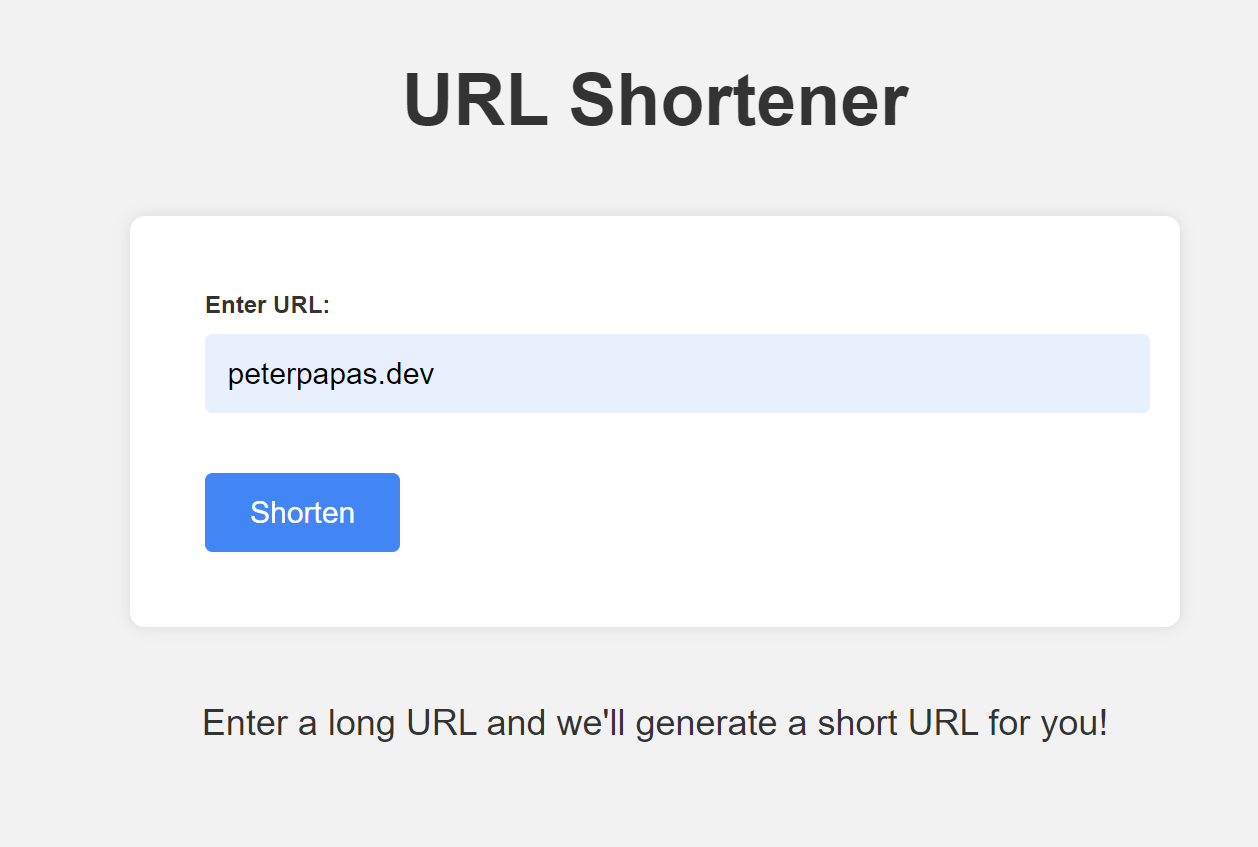
http://localhost:8080. You should see the URL shortener form.Enter a long URL in the form and click "Shorten". The application will generate and display a short URL.
Copy the short URL and paste it into a new browser tab. You will be redirected to the original long URL.

Conclusion:
In this article, we built a custom URL shortener application using the Go programming language. The application allows users to input long URLs and generates shorter, more manageable URLs that redirect to the original URLs when visited. With this foundation in place, you can further customize and extend the application to fit your specific needs, such as adding a database for storing URLs, implementing user authentication, or adding analytics for tracking URL usage.
🔗 GitHub repository: https://github.com/peterpapas/go_url_shortner
GitHub repository:
Live version: